The Pipeline: Automating 3D Printing at Scale
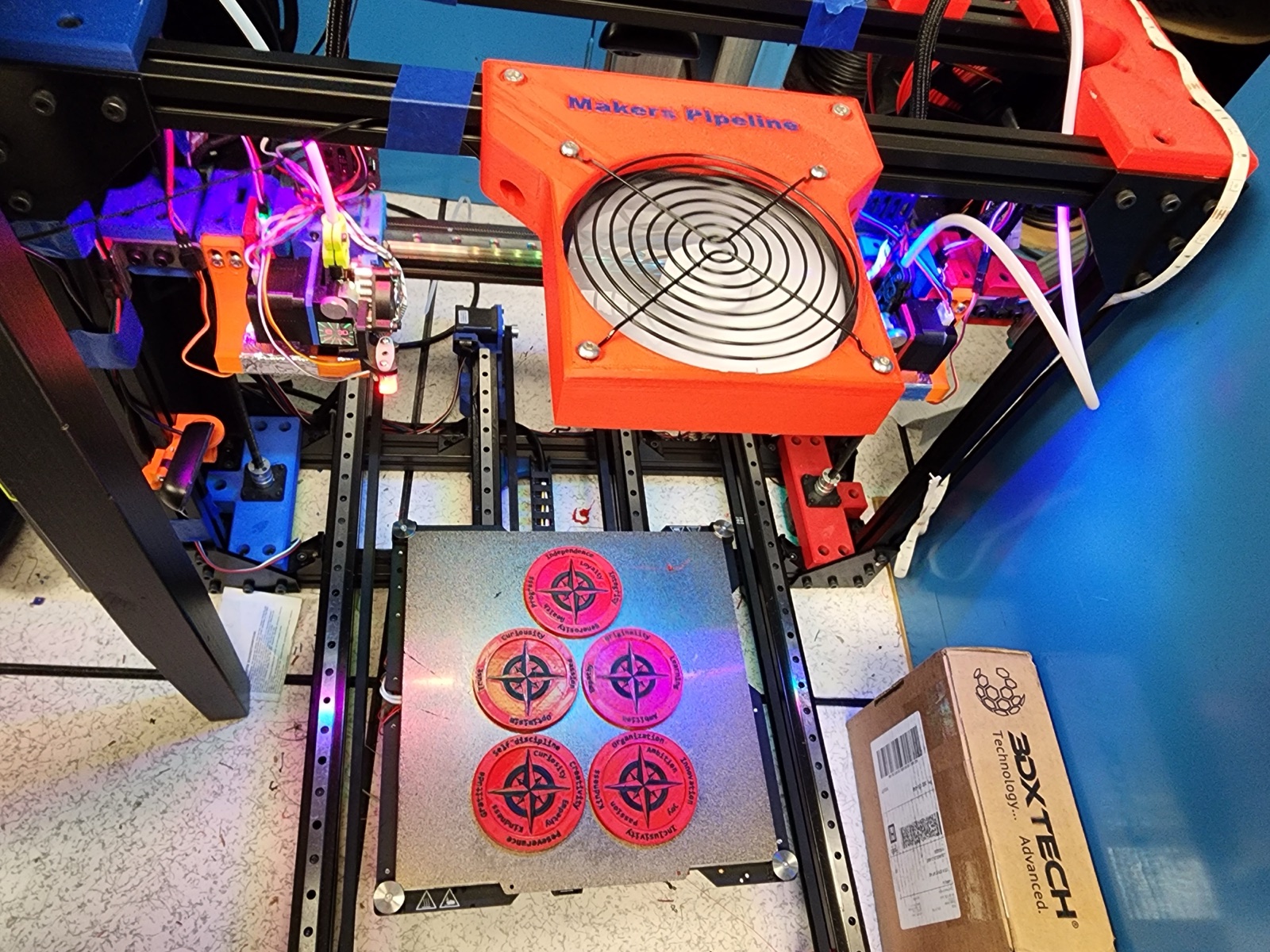
A custom IDEX 3D printer built from a refurbished Lulzbot TAZ Pro with an auto-pushoff system that ejects finished prints, enabling continuous unattended production. Built with a team of six at USC Makers, running Klipper firmware with Slack bot integration for remote job management.
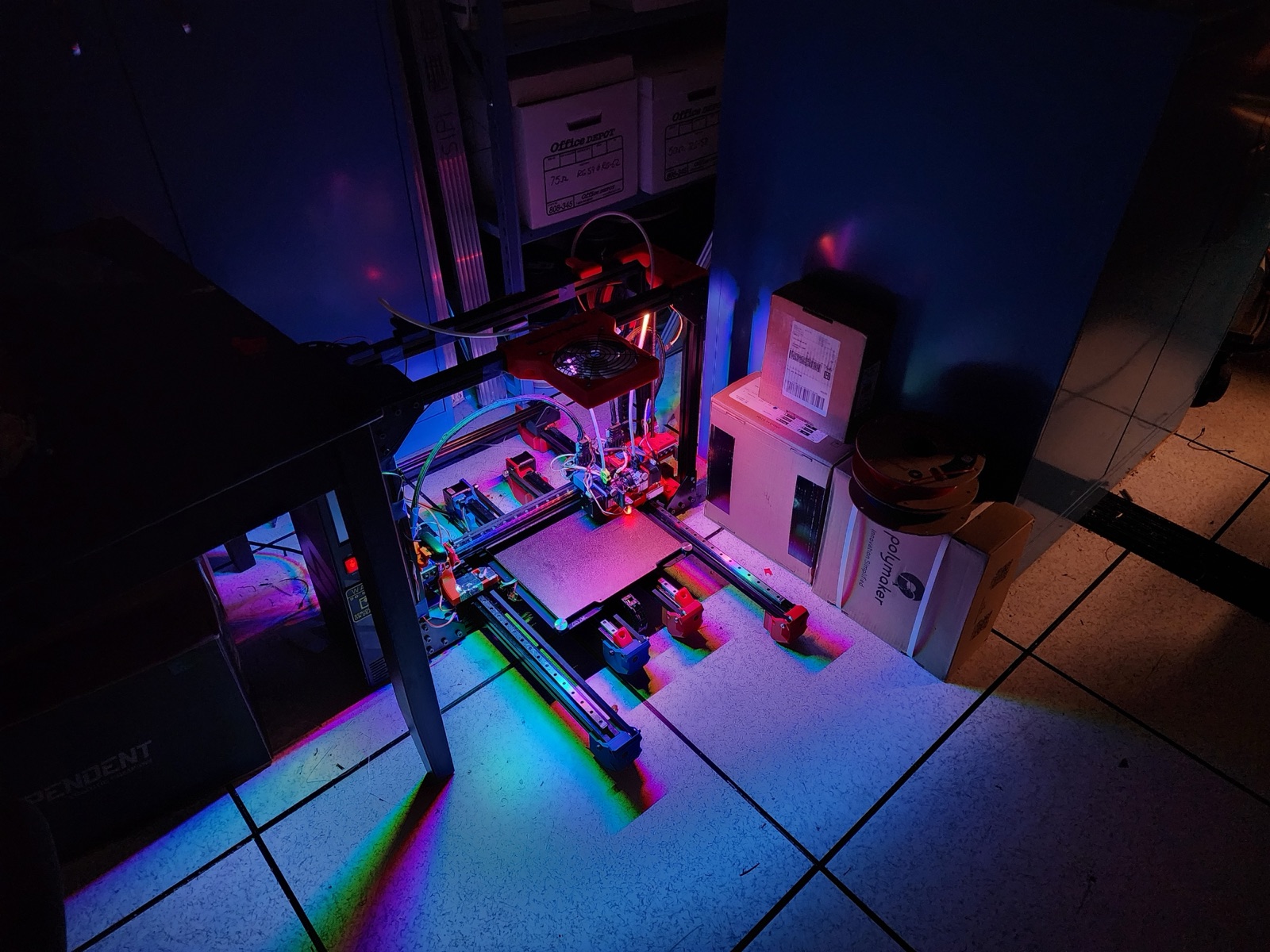
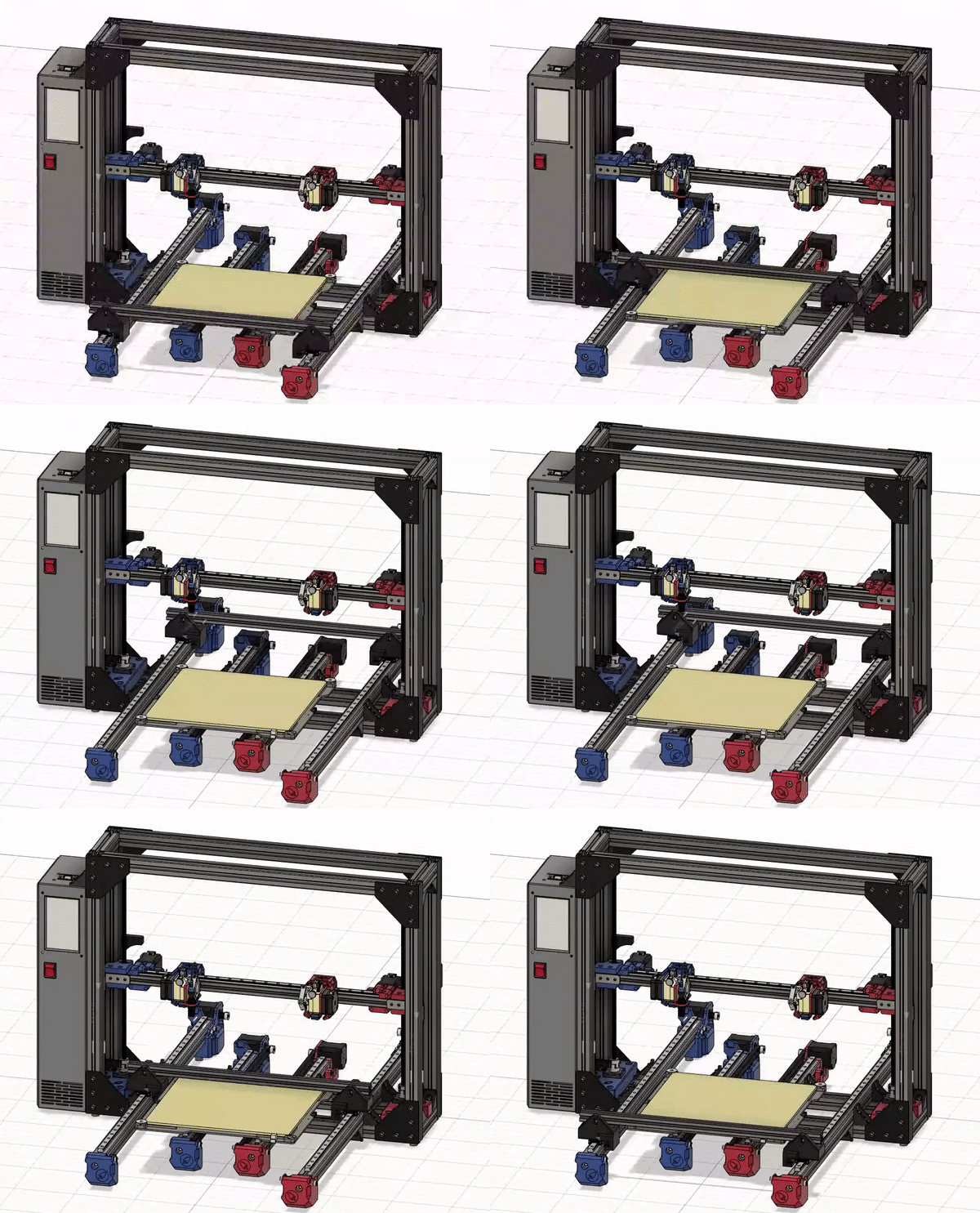
At USC Makers, I led a team of six to build a 3D printer that could run jobs back-to-back without anyone touching it. We tore down a refurbished Lulzbot TAZ Pro almost completely, salvaged the usable parts, and rebuilt it from scratch — borrowing the IDEX design from the open-source RatRig V-Cast — into a fully automated production system. We called it the Pipeline.
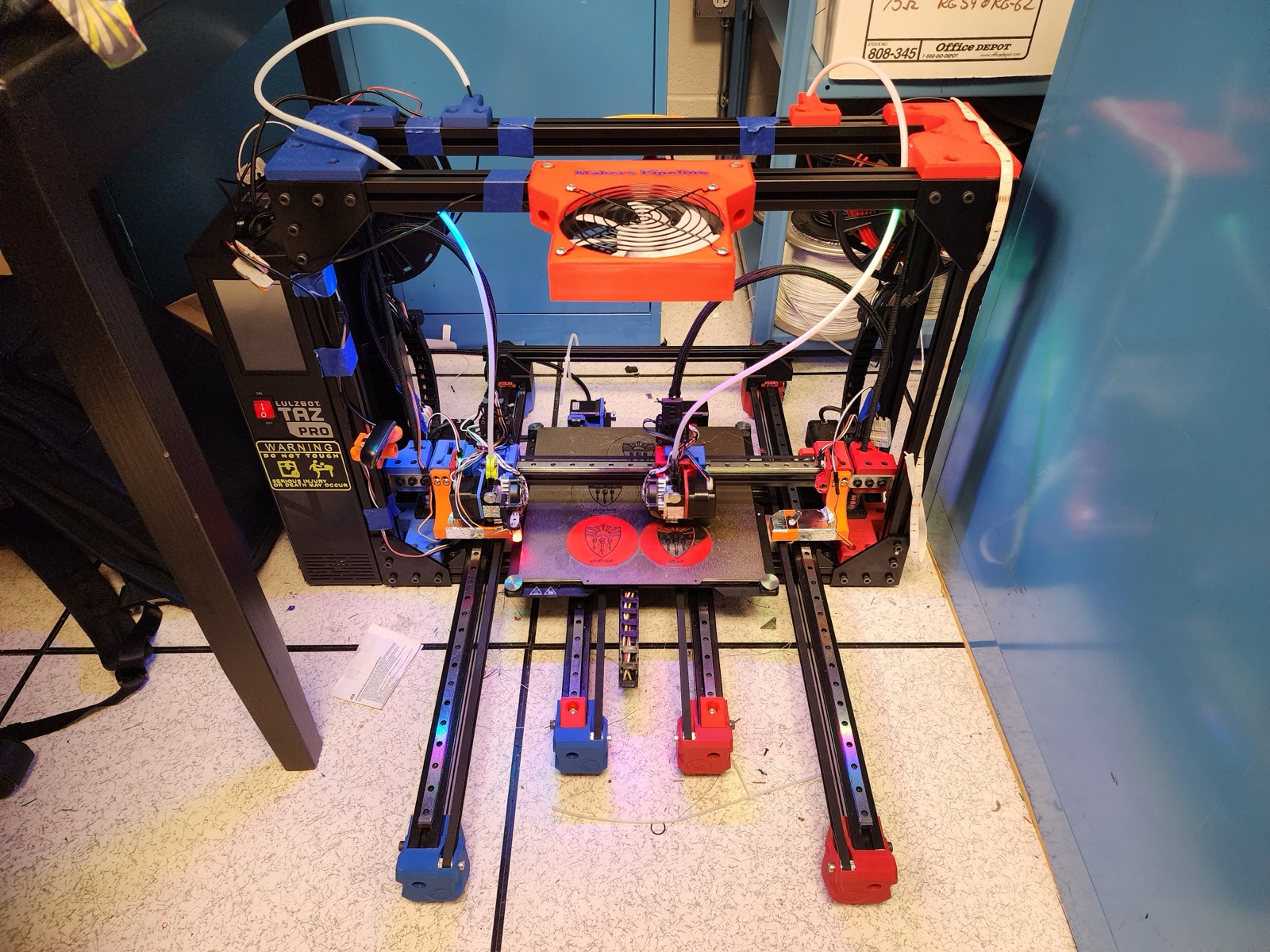
IDEX Platform
IDEX (Independent Dual Extrusion) means two print heads that move independently on the same gantry — enabling multi-color and multi-material prints without the oozing and waste of a shared-nozzle setup. The Lulzbot TAZ Pro gave us a solid starting point. We rebuilt the chassis with 3030 extrusions, upgraded to a 2020 gantry with linear rails on all axes, and added dual independent extruders connected via a Grade 5 titanium adapter plate. The control system runs Klipper firmware on a Raspberry Pi, communicating over CAN bus for cleaner wiring and distributed motor control.
Auto-Pushoff System
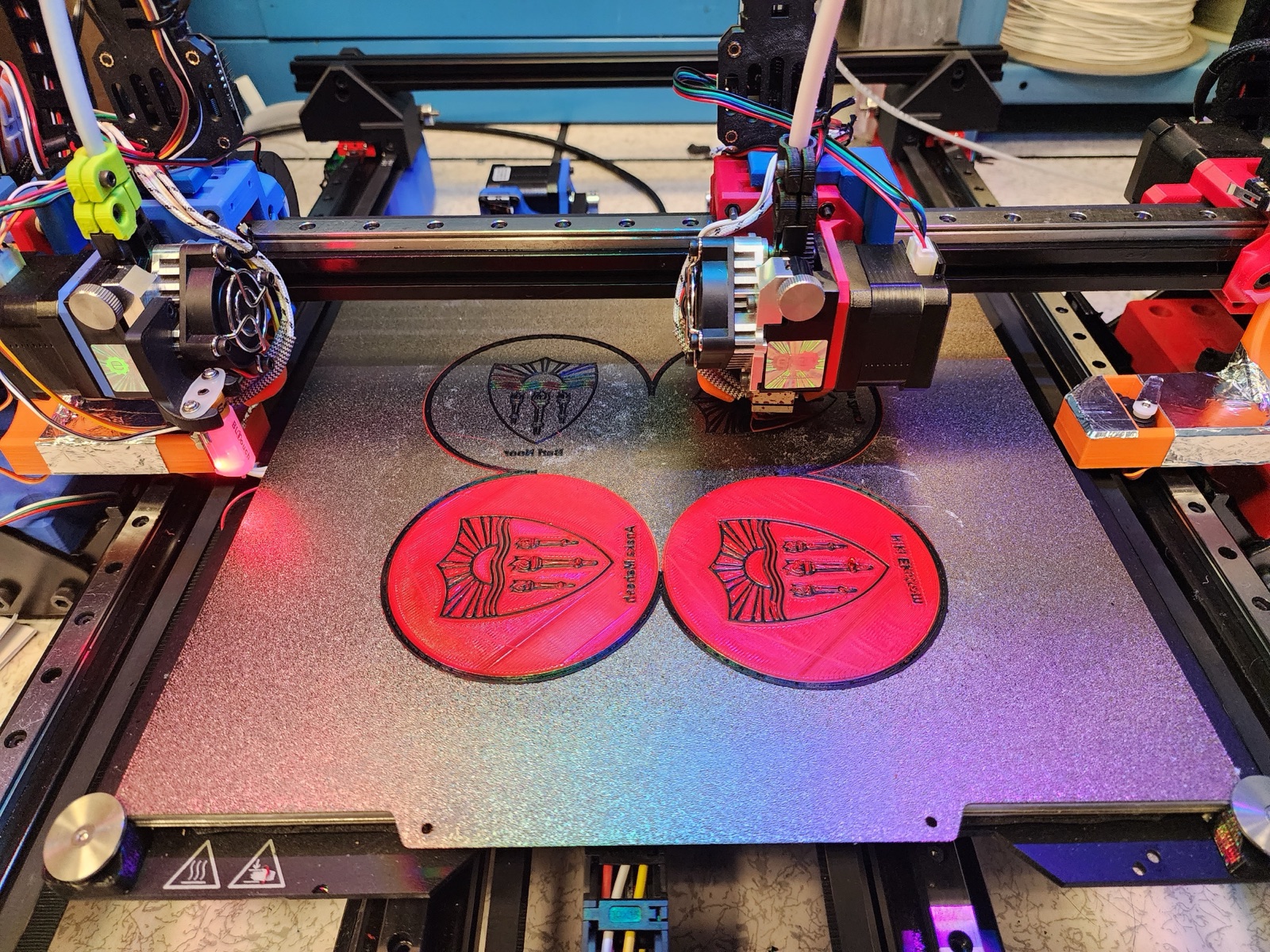
The core feature that makes continuous production possible. A pushoff rod mounted on a linear rail sweeps across the build plate via a belt-driven motor, ejecting finished parts into a collection bin. The bed resets, and the next queued job starts automatically.
Build Surface
Getting parts to stick during printing but release afterward was one of the hardest problems to solve. We tried three different bed surfaces: kapton tape, painter’s tape, and a textured PEI build plate. Both tapes adhered too well — parts fused to the surface and the pushoff gantry would shear them apart instead of sweeping them off. The tapes also wore out quickly and needed constant replacement. The textured PEI plate was the solution: strong enough adhesion while hot, but parts release cleanly once cooled.
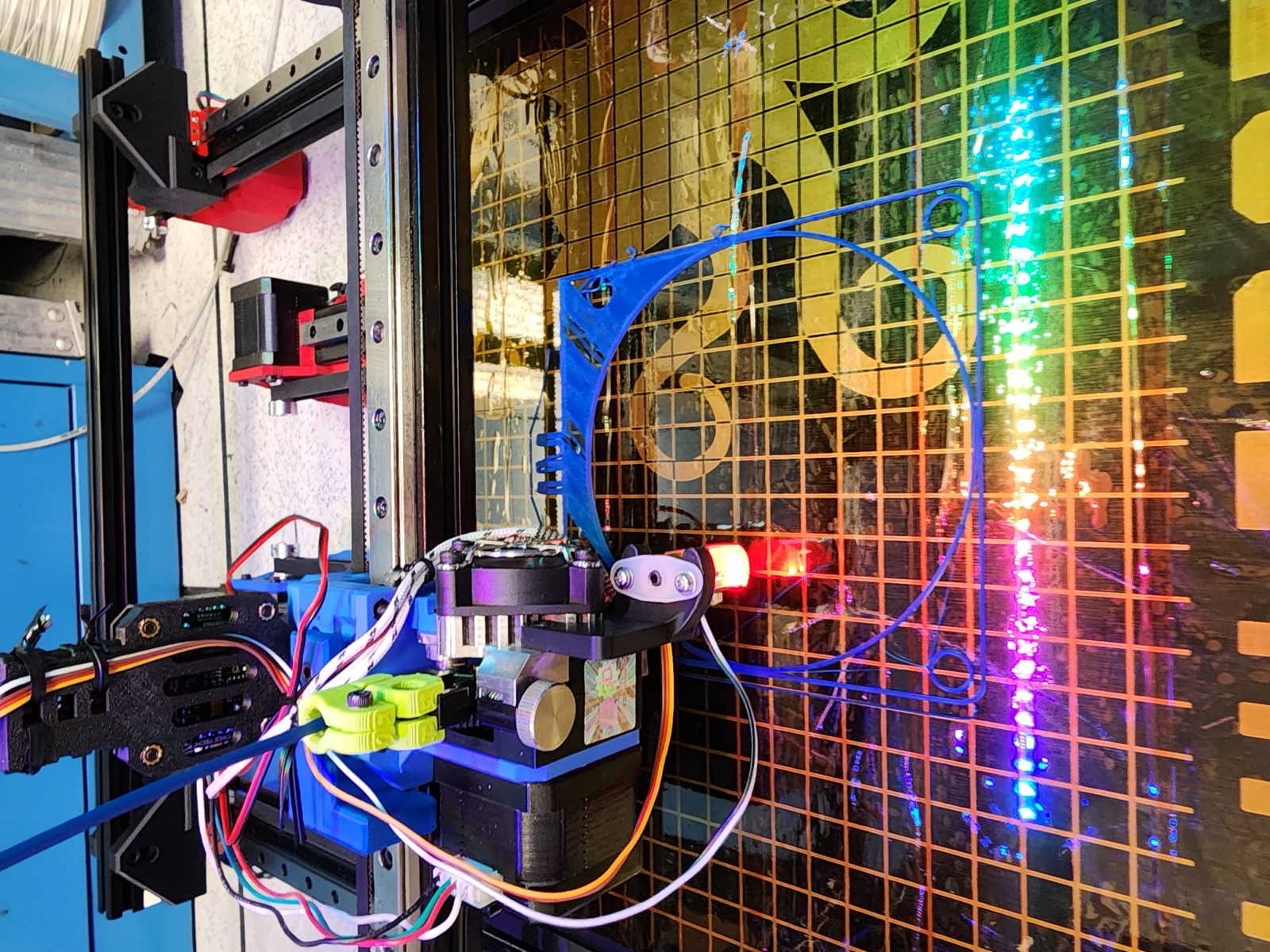 Kapton tape — difficult to apply evenly, and parts stuck too well to the surface.
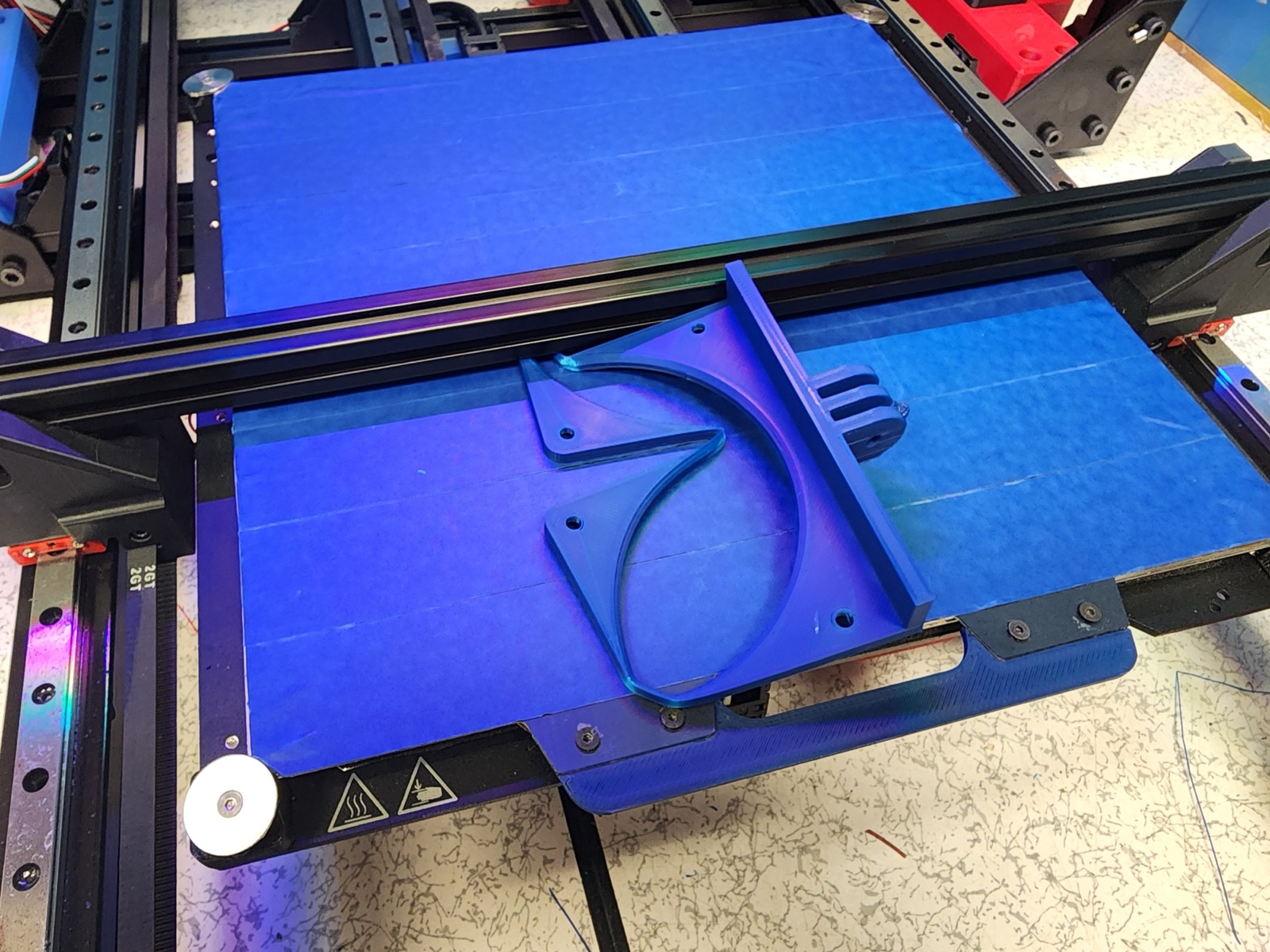 Painter’s tape — parts fused so firmly that the pushoff gantry sheared them apart.
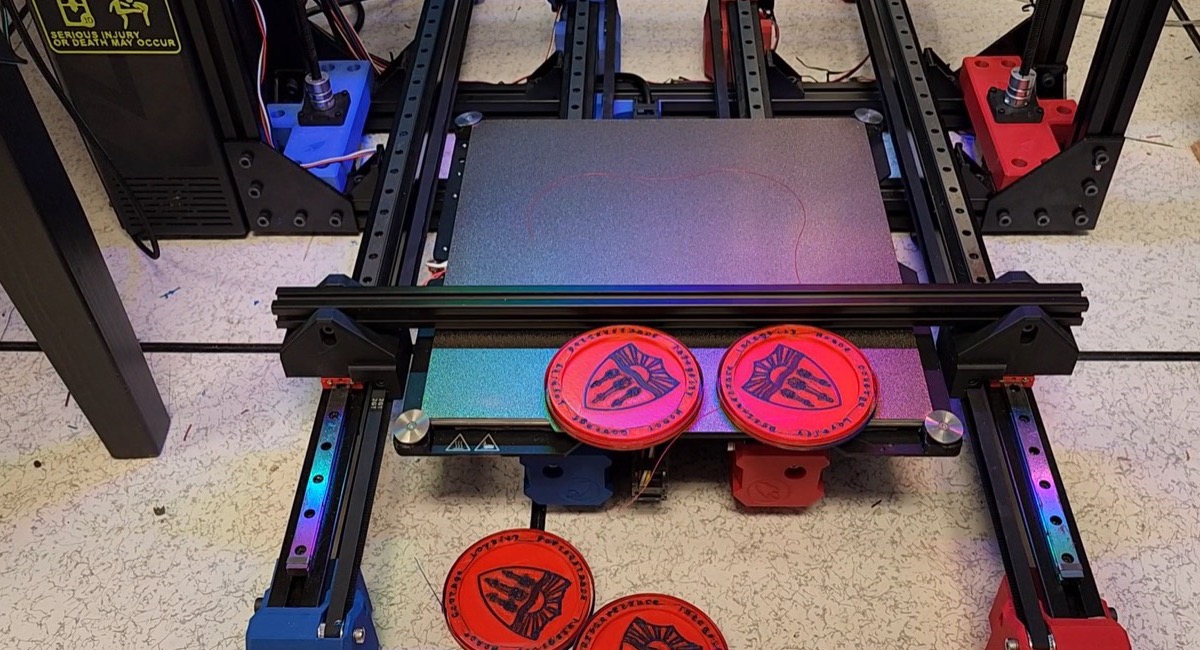 Textured PEI plate — parts release cleanly after cooling, pushed off without damage.
Thermal Release
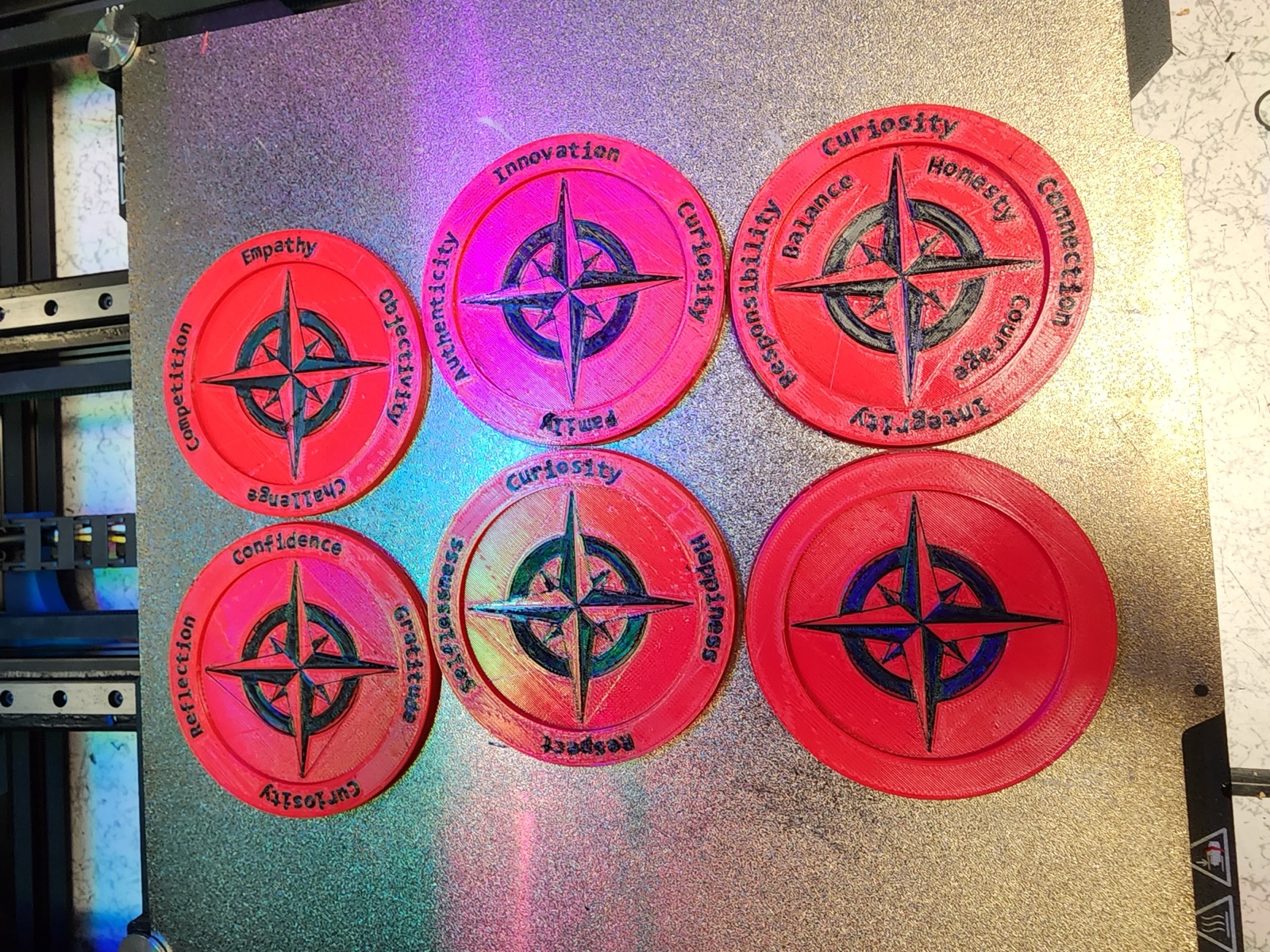
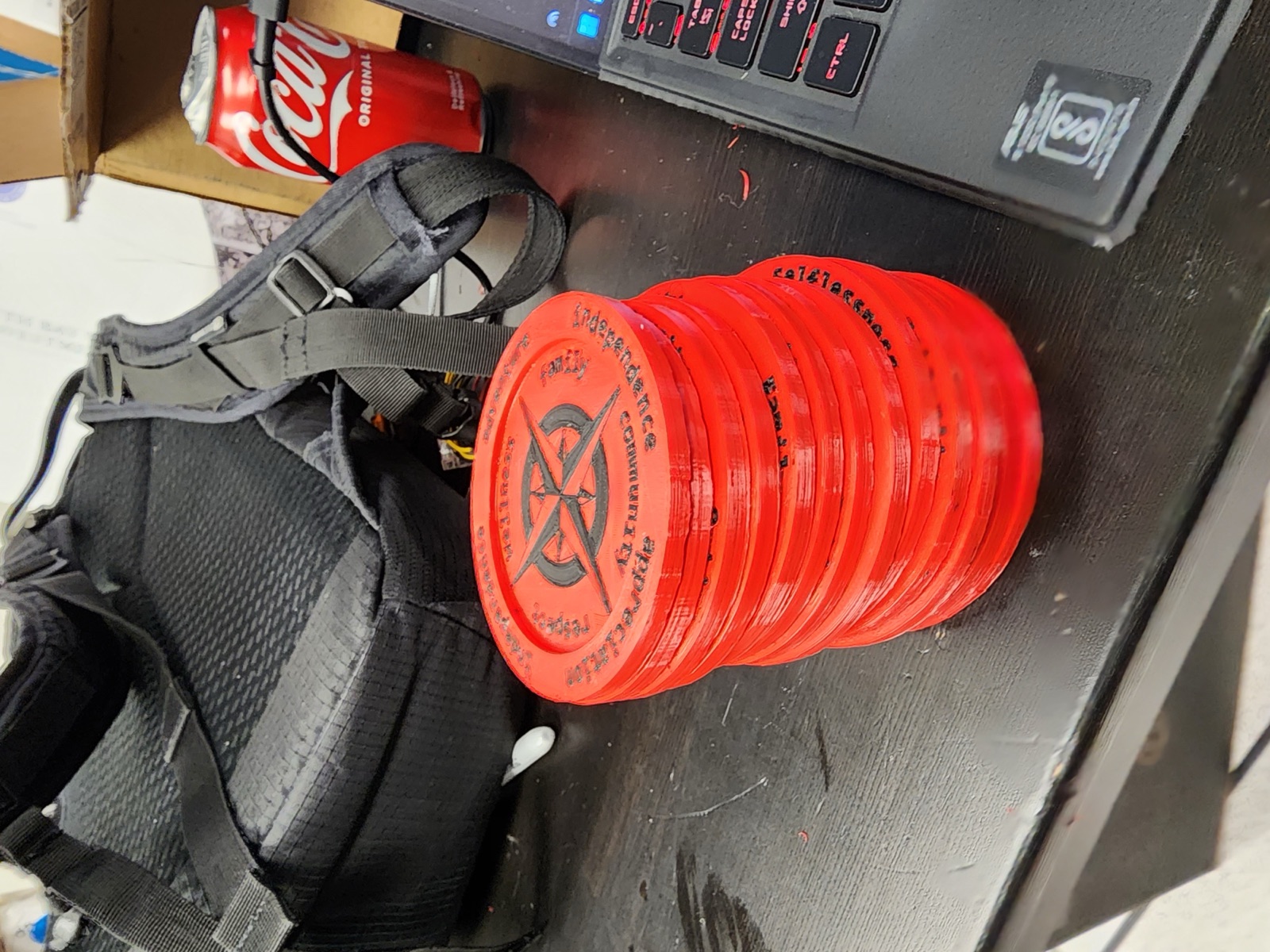
Parts are printed on a heated bed with a textured build plate, so they bond firmly to the surface while hot. After a print finishes, a cooling fan blows directly onto the bed to rapidly cool everything down. PLA and the metal bed shrink at different rates as they cool — this mismatch in thermal contraction breaks the original adhesion, causing the parts to pop free from the surface on their own. Once released, the pushoff gantry sweeps them right off.
Slack Bot Integration
A Python Slack bot ties the whole system together. Users drop G-Code files into a Slack channel, and the bot automatically downloads them to the Raspberry Pi via Moonraker’s API and adds them to the print queue. From Slack, anyone on the team can check live printer status — extruder temperatures, bed temp, print progress, and the job queue — or pause, resume, and cancel prints with button controls. An emergency stop command provides a safety kill switch. Combined with Moonraker’s automatic job transition, the bot turns the Pipeline into a shared print farm accessible from anywhere on campus.
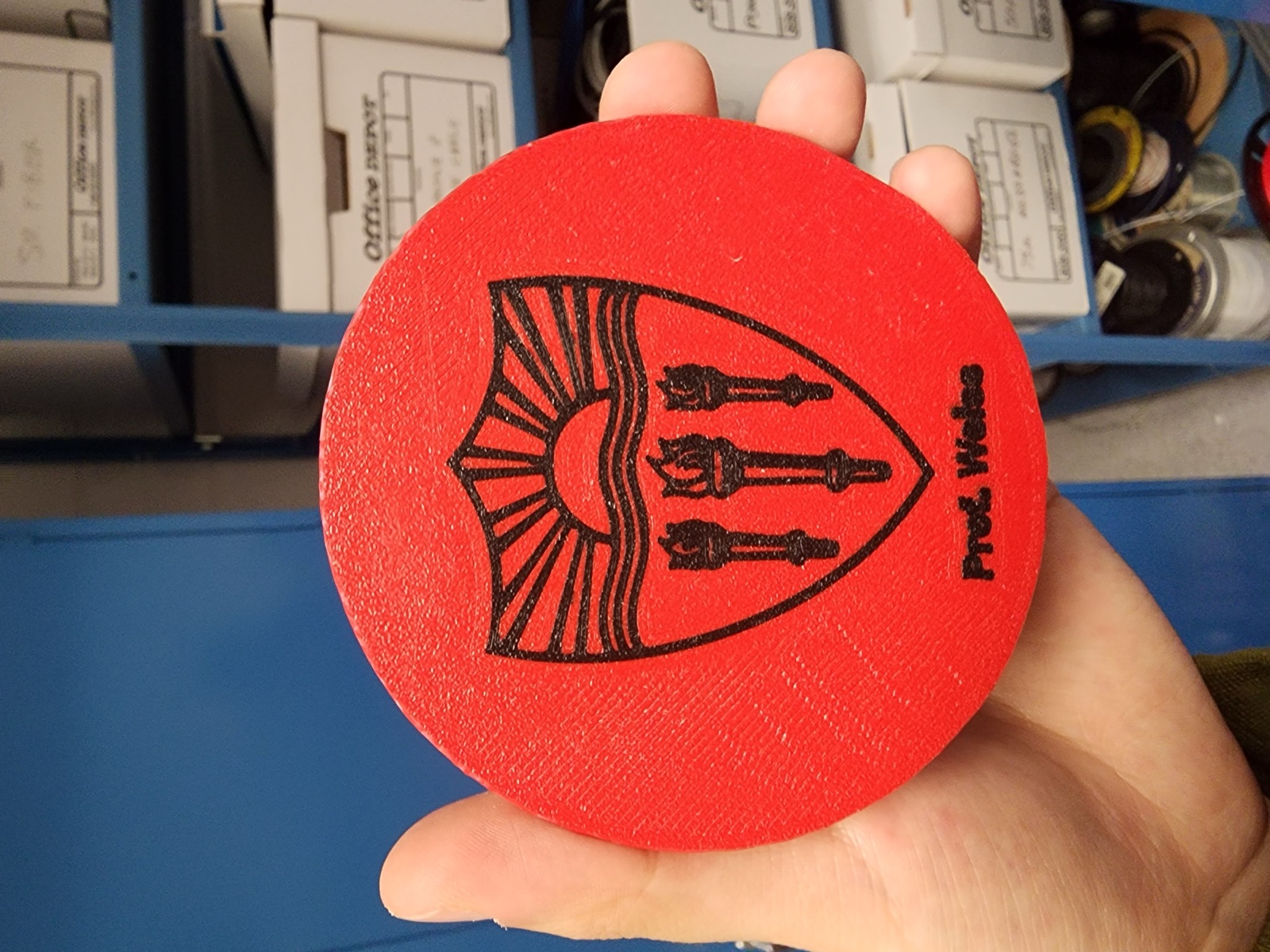
I served as Project Manager and main contributor — handling CAD design, firmware integration, and the pushoff mechanism, while coordinating the team across mechanical, electrical, and software workstreams.
Source code on GitHub · Built at USC Makers

Discover more...
DIY Arduino Heat Bed for 3D Printer
Spooder - Linux Octopod Robot